Resources & Contacts | Registration Guide
See a list of resources and contacts below. If you can't find who you are looking for, try the Office of Registrarial Services Contact Us page.
| Resource | Phone Number/Extension | Email Address |
|---|---|---|
| University of Guelph | (519) 824-4120 | |
| Associate Diploma in Turfgrass Management (DTM) | ext. 54800 | dtmpc@uoguelph.ca |
| Bachelor of Applied Science (B.A.Sc.) | ext. 58964 | bascprog@uoguelph.ca |
| Bachelor of Arts (BA) | ext. 52140 | baco@uoguelph.ca |
| Bachelor of Arts & Sciences (BAS) | ext. 56385 | bas@uoguelph.ca |
| Bachelor of Bio-Resource Management (BBRM) | ext. 54800 | oac.pco@uoguelph.ca |
| Bachelor of Creative Arts Health and Wellness (BCAHW) | ext. 56385 | bcahw@uoguelph.ca |
| Bachelor of Commerce (B.Comm) | ext. 56757 | bcomm@uoguelph.ca |
| Bachelor of Computing (B.Comp.) | ext. 52711 | cscouns@uoguelph.ca |
| Bachelor of Engineering (B.Eng.) | ext. 56572 | engcouns@uoguelph.ca |
| Bachelor of Indigenous Environmental Science and Practice (BIESP) | ext. 54800 | biesp@uoguelph.ca |
| Bachelor of Landscape Architecture (BLA) | ext. 54800 | cdevitt@uoguelph.ca |
| Bachelor of Mathematics (B.Math) | ext. 53788 | bmath.advising@uoguelph.ca |
| Bachelor of One Health (BOH) | ext. 53788 | boh@uoguelph.ca |
| Bachelor of Science (B.Sc.) | ext. 53788 | bscweb@uoguelph.ca |
| Bachelor of Science in Agriculture (B.Sc.[Agr.]) | ext. 54800 | oac.pco@uoguelph.ca |
| Bachelor of Science in Environmental Sciences (B.Sc.[Env.]) | ext. 54800 | bscenvpc@uoguelph.ca |
| Co-operative Education | ext. 52323 | recruit@uoguelph.ca |
Additional Resources
The Lincoln Alexander Student Service Centre (The Linc) – The Linc provides front-line services for both Enrolment Services (assists students with course enrolment and verifying their student records [e.g., confirmation of enrolment]) and Student Financial Services (services related to billing, payments and financial aid [scholarships, bursaries and government funding]). Visit The Linc's Contact Us page for details on the many ways you can reach the team for service and support!
Forms and Downloads – To access all of the registration-related forms and documents at home, please visit the Forms & Documents page. Here you will find helpful schedule worksheets and other important forms.
Award Search Engine – First-year undergraduate students are encouraged to review a list of scholarships and bursaries by using our Award Search Engine.
Access for Students with Disabilities
SAS provides assistance to students with all types of disabilities, including those that are permanent or temporary, chronic or episodic, and evident or non-evident.
Students will be asked to provide appropriate documentation from a health care professional to verify their needs. If you are a new student with a disability, please submit your documentation as soon as possible upon admission so that the accommodations you require can be put in place as quickly as possible in preparation for your first semester of study. You should submit your application and documentation by June 15 in order to have accommodations in place for the beginning of the fall semester. More details can be found at the Student Accessibility Services website.
If you have any questions, please contact SAS at (519) 824-4120, ext. 56208 or sas@uoguelph.ca.
We would be glad to help you!
University of Guelph Email Address and Central Login Account
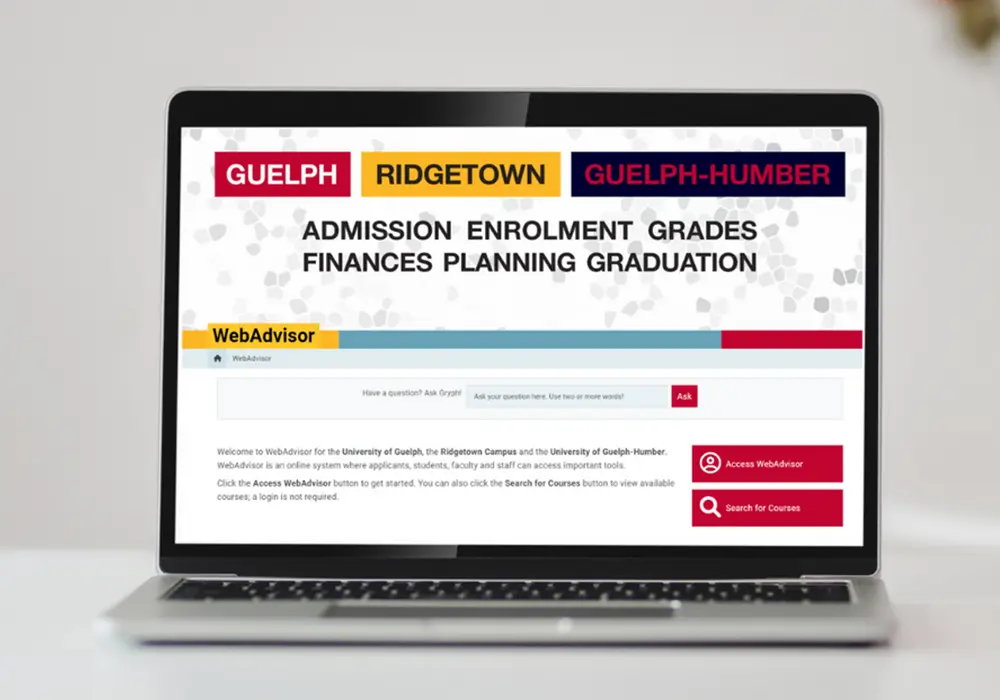
The University-issued email address is considered an official address and must be used for correspondence with the University. Students are responsible for regularly monitoring their University-issued email accounts. See the Undergraduate Calendar, Chapter I “Statement of Students' Academic Responsibilities” for more information. Students can access their University-issued email and WebAdvisor with their Central Login Account.
Important Information About Your Central Login Account and U of G Email Address
- Email at the University of Guelph is called Gryph Mail and can be accessed from anywhere via this URL: mail.uoguelph.ca
U of G uses Microsoft Outlook for email, as part of the Microsoft 365 suite of collaboration and productivity tools. - Your U of G Central Login Account and email address should be used for University purposes only. Please do NOT use your U of G account to sign up for external services. Your access to your U of G account will only remain for one year following the completion of your studies and you will lose access to all external services after that time.
- Along with Gryph Mail/Outlook, you will also have access to OneDrive, Teams and other Microsoft 365 tools. Please note that there are storage limits for OneDrive (10 GB for undergraduate students and 15 GB for graduate students). For tips on good storage habits and how to stay below your limit, visit the OneDrive Storage Reference Guide.
- Your account requires the use of multi-factor authentication (MFA). You will be prompted to set up two MFA methods the first time you access your email or other U of G services, such as CourseLink or WebAdvisor. It is strongly recommended to make the Microsoft Authenticator App your default sign-in method.
- Forgot your password? You can use your MFA methods to reset your password.
- Changing phones or lost access to your default MFA method? Be sure to set up more MFA methods so you can always get into your account. See the MFA guide for more information.
- After you set up MFA, you will be prompted to change your password. Ensure that your new password is unique and not used for any other accounts!
- Important note: If you are prompted on login to "Sign in to all apps and websites on this device?", please select "No, this app only". See the Getting Started: How to Set Up MFA page for more information.
- Protect your new account and the University by taking cyber security awareness training, available online in CourseLink.
Need More Information?
- For more information on getting started with your new Central Login Account, Gryph Mail, MFA and other central IT services, please visit the Computing & Communications Services (CCS) Get Started page.
- If you have questions about your Central Login Account or have other IT-related issues, you can contact the CCS Help Centre during regular business hours and they will get back to you promptly. CCS is the University's central IT department and provides free IT help for all students.
Please note that some of these links will require you to sign in with your new Central Login Account.