Transcripts & Credentials
Transcripts
If you are a School of Continuing Studies (SCS) learner who requires a transcript, please submit your request through the SCS Student Portal well in advance of any deadlines you may have. Keep in mind that turnaround time can be up to 5 to 7 business days during peak periods.
Visit the SCS Student Portal and follow the directions below to request your transcript:
- Log in selecting the I already have an account option using your username and password.
- Go to Special Requests and navigate to the Transcript $20 option.
- If you prefer to have your transcript sent by courier, please also add the applicable Certificate/Transcript Courier Fee
- Complete the requested information and submit.
If you no longer have access to your SCS Student profile, you can request a transcript by completing a printable Transcript Request Form which may be emailed, or mailed to our main office:
School of Continuing Studies
University of Guelph
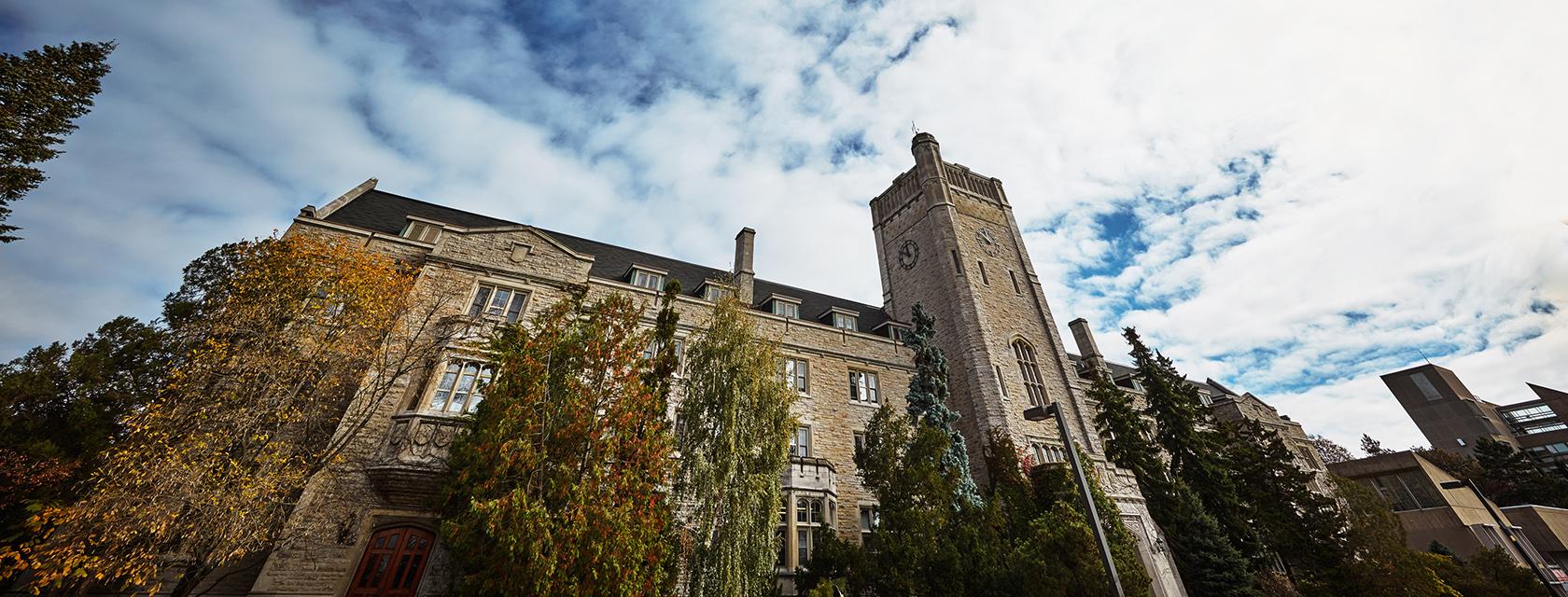
Johnston Hall, Room 160
Guelph, ON N1G 2W1
Canada
If you have any questions, please contact scs-transcripts@uoguelph.ca.
Please note that the School of Continuing Studies does not accept transcript requests via email with payment information. You will be required to call our office for a phone payment.
Digital Badges
For courses and programs that award digital badges, please visit the MyCredsTM website and register to view your credentials.